Gaming addiction in kids: what to do when your child won't stop playing
Quick answer
Gaming addiction in kids is usually a strong habit rather than an illness: games are built to keep children playing. Agree limits together, end at the close of a match, keep devices out of the bedroom at night and block spending. Get help if gaming crowds out sleep, school and food for weeks, or brings stealing, aggression or online threats.
 By the ParentMind team12 min read
Listen to this article
17 min listen · Read by your device's voice
At a glance
- Who it is for
- Parents of children and teens aged 8–17 who find it hard to stop gaming
- Key takeaways
- Most heavy gaming is a habit that can change; it becomes a problem when it pushes out sleep, school, food, friends or family.
- Agree limits in matches, not minutes, and let the match finish before the phone goes on the charger.
- Close the money routes: keep your mobile-wallet PIN private and turn on a password for every purchase.
- Stealing, aggression when stopped, or strangers and threats online need action, not just new rules.
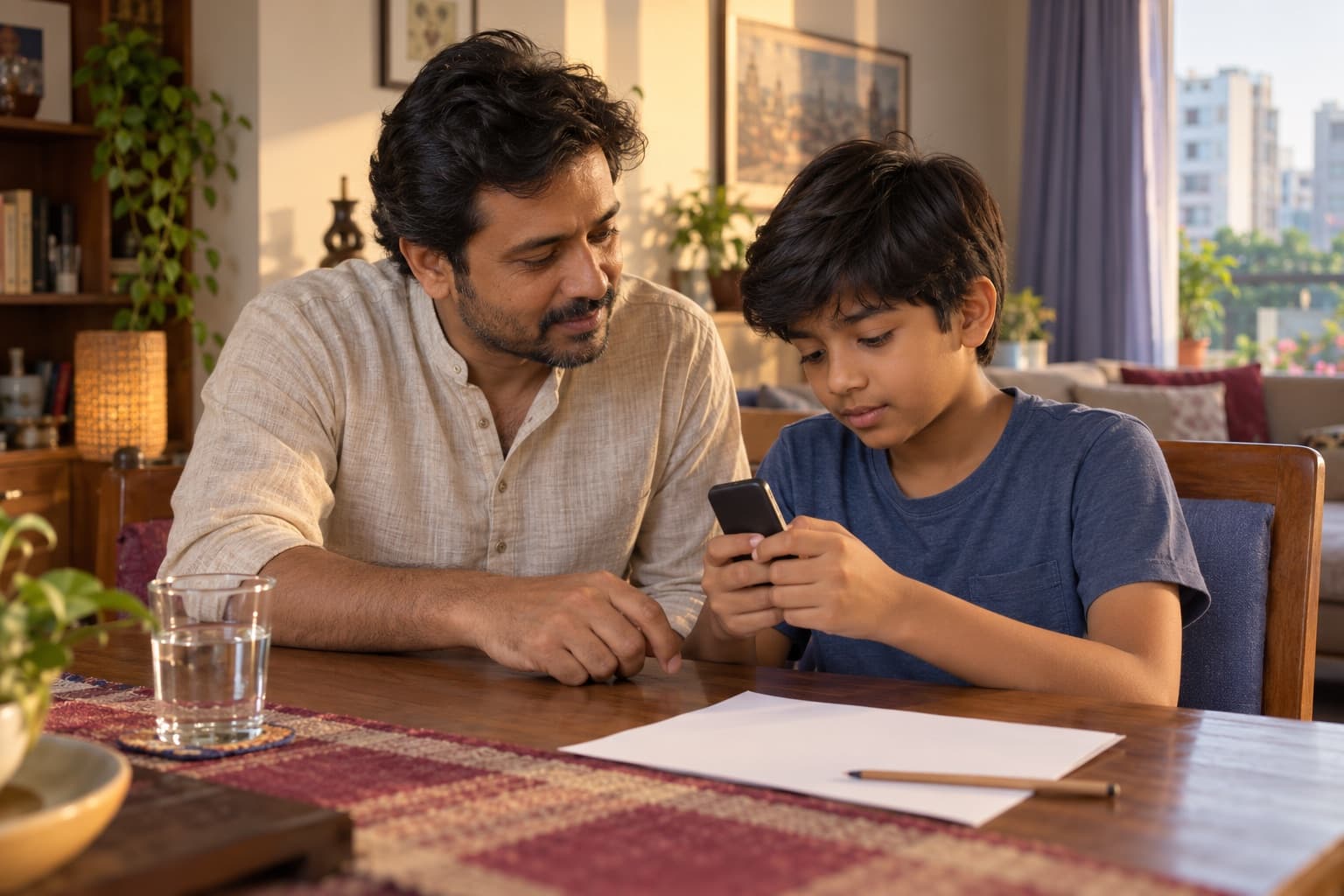
Gaming addiction in kids is what many parents fear when a child plays until midnight, asks again and again for money for diamonds, or explodes when the game is switched off. You are not alone in this, and your child is not a bad child: the games are designed to be very hard to put down.
Taking the phone away for good rarely works, and often leads to secret play. What tends to help is understanding the game, agreeing limits together and closing the money routes. Below: why games pull so hard, habit or problem, the switch-off moment, spending, limits, what to offer instead, a 7-day plan and when to get help.
Which games do children play, and why are they so hard to stop?
Older children and teens in Bangladesh often play battle games such as Free Fire and PUBG Mobile, football games and online ludo, while younger ones play games like Roblox and Minecraft. Children enjoy them for real reasons: fun, skill, friends and a break from study pressure. But most popular games are also designed to pull players back.
| What the game does | Why it pulls | What helps |
|---|---|---|
| Short matches, one after another | “One more match” never feels like much | Agree a number of matches, not minutes |
| Friends waiting in a squad | Leaving feels like letting the team down | Agree the stop time before the first match, so they can tell their friends |
| Daily rewards, streaks and limited-time events | Missing a day feels like losing something | Talk about why games are built this way, and keep screen-free days anyway |
| Levels and seasons | Dropping back hurts, so they keep playing to win it back | Praise effort and skill in other parts of life too |
| Skins, passes and lucky draws | Small spends feel harmless and add up | No saved payment; any spending only with you |
| Voice and text chat | Talking to friends, and sometimes strangers, while playing | For younger children, chat off or friends only |
Is it gaming addiction, or just a lot of gaming?
When parents look up gaming addiction in kids, most are describing a strong habit that can change. Here “addiction” is a plain-language word, not a diagnosis. Problem gaming is different: the game comes first even when it is clearly causing harm, week after week.
| A lot of gaming: a habit to change | Problem gaming: worth getting help |
|---|---|
| Plays for hours on Fridays and holidays, but stops when asked, with grumbling | Can't stop even on school nights, and plays in secret late at night |
| Annoyed when the game ends, then settles within minutes | Rage, threats, hitting or breaking things when stopped, most days |
| Still sleeps, eats, sees friends and keeps up at school | Sleep, school and food pushed out for weeks |
| Asks for money for the game now and then | Takes money without asking, or lies about spending |
If your child fits mostly in the first column, the plan below is a good place to start. If several rows sound like the second, start the plan anyway and read the signs at the end of this page. For younger children hooked on videos rather than games, see screen addiction in kids.
Child angry when the game is turned off? What to do in the moment
The switch-off moment is where most fights happen. A few habits can make it calmer, especially when they are agreed before the game starts:
- Agree the end before the start: how many matches, and the latest time to stop.
- Warn before the last one: “This is your last match.”
- Let the match finish. Pulling the plug mid-match, in front of friends, often turns a grumble into a fight.
- Then the device goes to its place, such as the charger in the living room, every time.
- Name the feeling in a few words, and keep your voice low.
- Hold the limit without a lecture. Don't argue while they're angry, and don't threaten to smash the phone.
- If your child shouts, threatens or throws things, step back and keep everyone safe; talk once things are calm.
What you might say
- Last match, then the phone goes on the charger.
- I know, you were winning. It's hard to stop when your team needs you.
- Tell your friends this is your last one tonight.
- I'm not going to argue while you're angry. We'll talk after dinner.
- I'm not taking games away forever. We're making a plan together.
Money in games: diamonds, top-ups and in-game purchases
Most popular games are free to download and make their money inside the game. Children buy in-game currency, which many call diamonds or UC, along with skins, passes and lucky draws. In Bangladesh these top-ups are often paid through mobile wallets, sometimes with a parent's PIN or money from relatives.
- Ask your child to show you what they buy and why. Many children don't think of diamonds as real money.
- Keep your mobile-wallet PIN private, and change it if your child has seen it.
- Never save a card or wallet on your child's device, and turn on a password for every purchase in the phone's settings.
- If you allow spending, agree a set amount from pocket money or Eid salami in advance, not in the moment of wanting.
- Warn about “free diamonds” offers and top-up pages that ask for a password or an SMS code; these are usually scams.
How to limit video games for children: school nights and Fridays
From age 6 there is no single right number of gaming hours. Protect the essentials first, then fit games around them: enough sleep (9–12 hours at ages 6–12, 8–10 for teens), school and homework, family meals, and at least 60 minutes of active play a day.
- School nights: a short, fixed slot after homework, finished well before the last hour before bed.
- Fridays and holidays: a longer session is fine, fitted around family time, prayers or outings, not instead of them.
- Exam weeks: shorter slots, kept at the same time each day so there is still a break to look forward to.
- Games in shared rooms, not behind a closed door, and every device charges outside the bedroom at night.
- Check a game's age rating before it is downloaded, and for younger children turn chat off or to friends only.
- Work out the latest time a game can end on a school night with the school-day planner, which also shows when the phone should leave the bedroom.
Write the rules down together. For the amounts that suit each age, see screen time by age.
What to offer instead of games: the same thrills, offline
Games meet real needs: winning, getting better, belonging to a team and switching off from pressure. The swaps that work best offer the same things away from the screen:
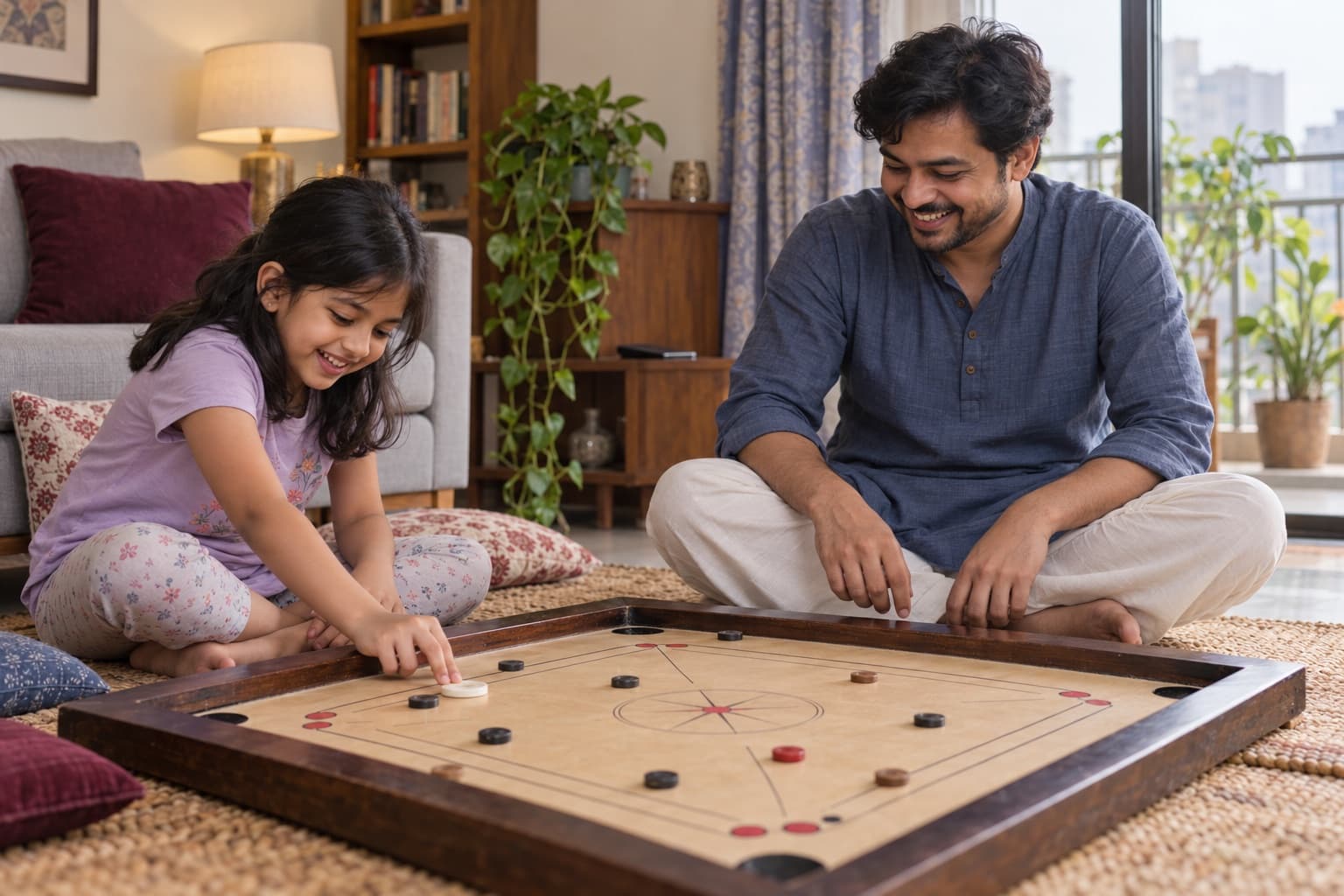
- Competition: carrom, chess and ludo on a real board, or badminton and football with an adult on a rooftop with high, safe walls.
- A team: a football or cricket group in the neighbourhood, a swimming class, or a club at school.
- Levels to climb: a musical instrument, drawing, cooking new dishes or karate, where progress is easy to see.
- Real responsibility: planning a family outing, helping with the bazar budget, or teaching a younger cousin a game.
- Friends in person: invite a friend home, or meet at the field or a park on Fridays.
For more ideas by age, see screen-free activities for kids.
Gaming in a Bangladeshi home: shared rooms, data packs and Ramadan nights
Gaming addiction in kids rarely grows from the child alone. In Bangladeshi homes, the hardest moments often come from everyday family life:
- Shared rooms. An older sibling gaming late keeps a younger one awake too, so every phone charges in the living room, for everyone.
- Data packs and Wi-Fi. Children often ask for mobile data or a recharge; agree a monthly amount, and many families switch the Wi-Fi off at bedtime.
- Relatives who say “Let the child play, it's only a game.” Thank them, share the plan and your reasons kindly, and ask them not to give money for games.
- Eid salami and gifts. Agree before Eid how much, if any, can go on games.
- Ramadan nights. Many families keep late hours in Ramadan, with night prayers and sehri before dawn, and gaming can fill the hours in between. Agree a time for the last match that still leaves room for sleep.
- Parents who game too. If you play on your phone in the evening, children notice; keep the same rules for yourself.
A 7-day plan to cut back on gaming
Change one thing at a time and note what happens each day: when your child plays, for how long, and how the switch-off goes.
- Day 1: Change nothing. Note which games, when, for how long, and how your child is afterwards.
- Day 2: Ask your child to teach you the game and tell you what they love about it. Just listen.
- Day 3: Family talk. Agree the essentials first (sleep, school, meals, active play), then the gaming times, and write them down.
- Day 4: Set up a charging spot in the living room, a password for purchases and chat settings that suit your child.
- Day 5: Start. A last-match warning, a calm switch-off, and the device to its place.
- Day 6: Add one offline activity your child chose, even a short one.
- Day 7: Look back together. Are switch-offs calmer? Is sleep better? Keep what helped and choose the next change.
When does gaming addiction in kids need professional help?
Most gaming habits ease with steady limits at home. Talk to your child's doctor, a child psychologist or the school counsellor if you see any of the first four, especially if they last for weeks despite steady limits; the last two need action the same day.
When to get help
- Gaming crowds out sleep, school and food for weeks: up most nights, missing school or coaching, skipping meals to play.
- Your child steals money for games, or lies about spending, again and again.
- Aggression when stopped: hitting, threatening or breaking things most times a game ends. If anyone is in danger, call 999.
- Your child has dropped friends, sport and family for the game, or seems low, anxious or very irritable most days.
- Strangers or blackmail online: someone met through a game asks for photos, money or a meeting, or threatens to share something. Believe your child, do not pay or send anything, keep the messages and act the same day. You can report it at the local police station; call 999 if your child is in danger now.
- Your child talks about hurting themselves, or has done so: stay calm and close, call 999 if they are in danger now, otherwise see a doctor the same day.
For a teenager whose phone use goes well beyond games, see teen phone addiction.
ParentMind helps you note what happens each day, such as game time, sleep and mood, and see patterns over a week or two. See how ParentMind works.
Questions parents ask
How many hours of gaming is too much for a child?
From age 6 there is no single number. Gaming is too much when it pushes out what your child needs: 9–12 hours of sleep at 6–12 and 8–10 for teens, homework, family meals and at least 60 minutes of active play. For 2–5-year-olds, all screens together should stay within an hour a day. Watch what gaming replaces, not only the minutes.
Is it okay for my child to play Free Fire or PUBG?
No game is good or bad on its own; age, time, chat and spending matter most. Battle games like these are usually rated for teenagers or older, not young children, so check the age rating in the app store first. If an older child plays, agree a number of matches, keep chat to friends, block purchases and keep the phone out of the bedroom at night.
Why does my child get so angry when I turn off the game?
Usually because the game is built to be hard to leave, and stopping mid-match can feel like losing or letting friends down. Anger often eases when the end point is agreed before playing, there's a warning before the last match, and the match is allowed to finish. If anger turns into hitting, threats or broken things most times, get help.
My teenager games all night. What should I do?
Start with the night itself: every device charges outside the bedroom, and many families switch the Wi-Fi off at bedtime. Teens need 8–10 hours of sleep, so agree a latest end time together and explain why. Talk in the daytime, not at 2 a.m. If they keep finding ways to play all night for weeks, get help.
My child spent money on a game without asking. What now?
Stay calm and find out how: a saved card, your mobile-wallet PIN, or money from relatives. Close that route first by changing the PIN and turning on a password for purchases. Then agree how it will be paid back from pocket money. Treat a first time as a lesson; if it keeps happening, it is a sign to get help.
Should I ban online games completely?
A sudden total ban often leads to secret play, borrowed phones and bigger fights. Agreed limits, a charging spot outside the bedroom, blocked spending and real alternatives usually work better. If gaming has become a serious problem, a planned break can help; work it out with your child and a professional rather than imposing it overnight.
This article is general information, not medical advice. For health worries, talk to a doctor; if someone is in danger, contact your local emergency number.