Teens and social media: Facebook, TikTok, Instagram and what to talk about
Quick answer
Teens and social media can mix well when a few basics are in place: private accounts with location off, phones charging outside the bedroom at night, talk about comparison and likes, and one promise: your teen can tell you anything without losing the phone. Most platforms set 13 as their minimum age. Get help if low mood lasts two weeks.
 By the ParentMind team13 min read
Listen to this article
18 min listen · Read by your device's voice
At a glance
- Who it is for
- Parents of children aged 12–18 who use, or badly want, Facebook, TikTok, Instagram, YouTube or WhatsApp
- Key takeaways
- Social media gives many teens friendship, ideas and belonging; the main risks are comparison, lost sleep, oversharing and strangers.
- Short, curious chats work better than lectures, and open, agreed checks work better than secret spying.
- Accounts stay private with location off, and phones charge outside the bedroom at night, for everyone in the family.
- If anyone online threatens or blackmails your teen, don't pay; report it at the local police station the same day, and call 999 if they are in danger now.
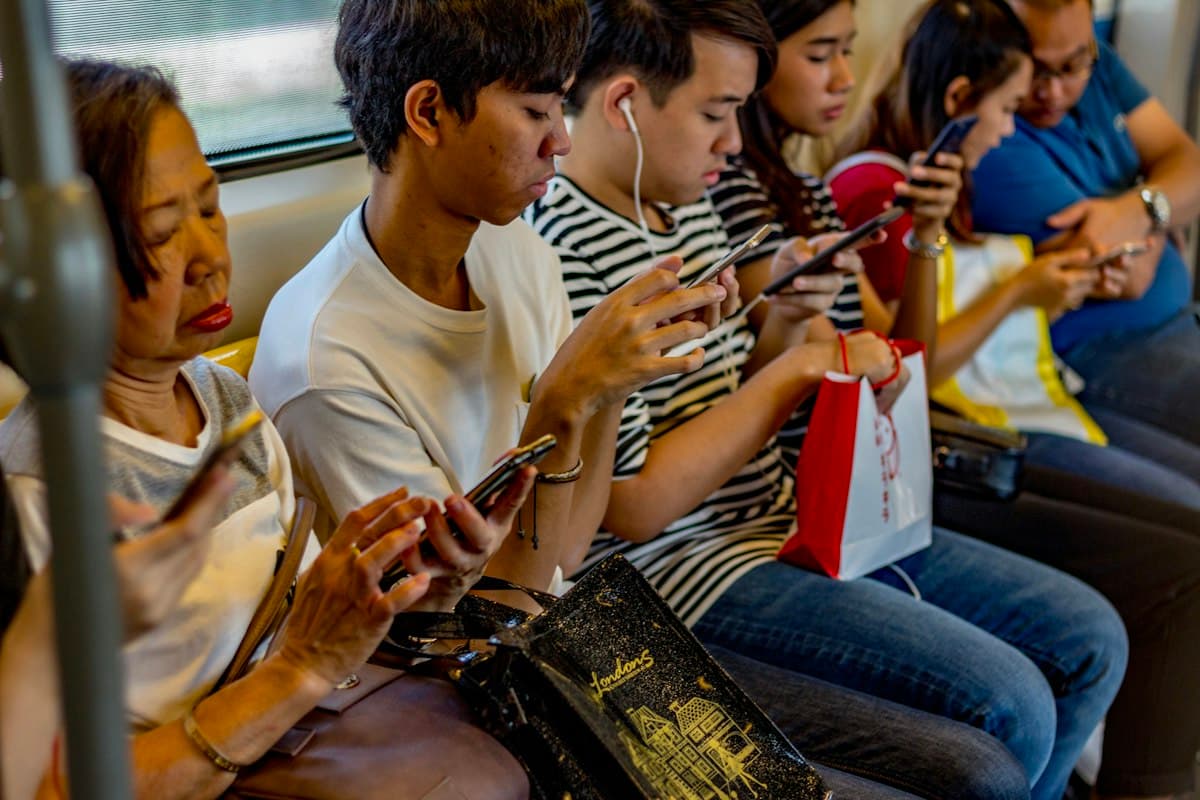
Teens and social media can feel like a world you can't see into. Your 14-year-old laughs at a screen, goes quiet when a post gets few likes, or begs for a TikTok account because “everyone in class has one”. Many parents feel stuck between banning it, checking everything and simply hoping for the best.
You don't have to choose between a ban and spying. For many teenagers, social media is where friendships, interests and jokes live. The risks, such as comparison, lost sleep, oversharing and strangers, are easier to handle when you talk early and agree a few rules together.
Below: what social media gives and takes, how to talk about it, comparison and likes, privacy, rules and checking, online safety, a Bangladeshi home, a 7-day plan and when to get help. If the phone seems to be taking over your teen's life, read teen phone addiction as well.
Is social media bad for teens? What it gives and what it can take
Social media is not simply good or bad for teens. Much depends on how, when and why they use it, and how they feel afterwards. For many teenagers it is mostly a way to stay close to friends; for some, especially those already feeling low or left out, it can make things harder.
| Area | What it can give | What it can take | What tends to help |
|---|---|---|---|
| Friends | Group chats, shared jokes, feeling included | Feeling left out when others post plans without them | Talk about it; keep time with friends in real life |
| Mood and self-image | Support, humour, people who share their interests | Comparison with filtered faces, bodies and lives | Ask how they feel after scrolling; unfollow what makes them feel worse |
| Sleep | Very little; most of it can wait until morning | Scrolling late into the night, then tired mornings | Phones charge outside the bedroom at night |
| Learning and creativity | Tutorials, news, making videos, art or music | Endless feeds that eat into homework time | Phone-free study blocks; notifications off |
| Privacy | Sharing good news with family near and far | Photos, school, location or routine seen by strangers | Private account, location off, a pause before posting |
| Safety | Tools to block and report | Strangers, scams, blackmail, bullying | One rule: tell me anything, and you won't lose your phone |
How to talk to teens about social media without a lecture
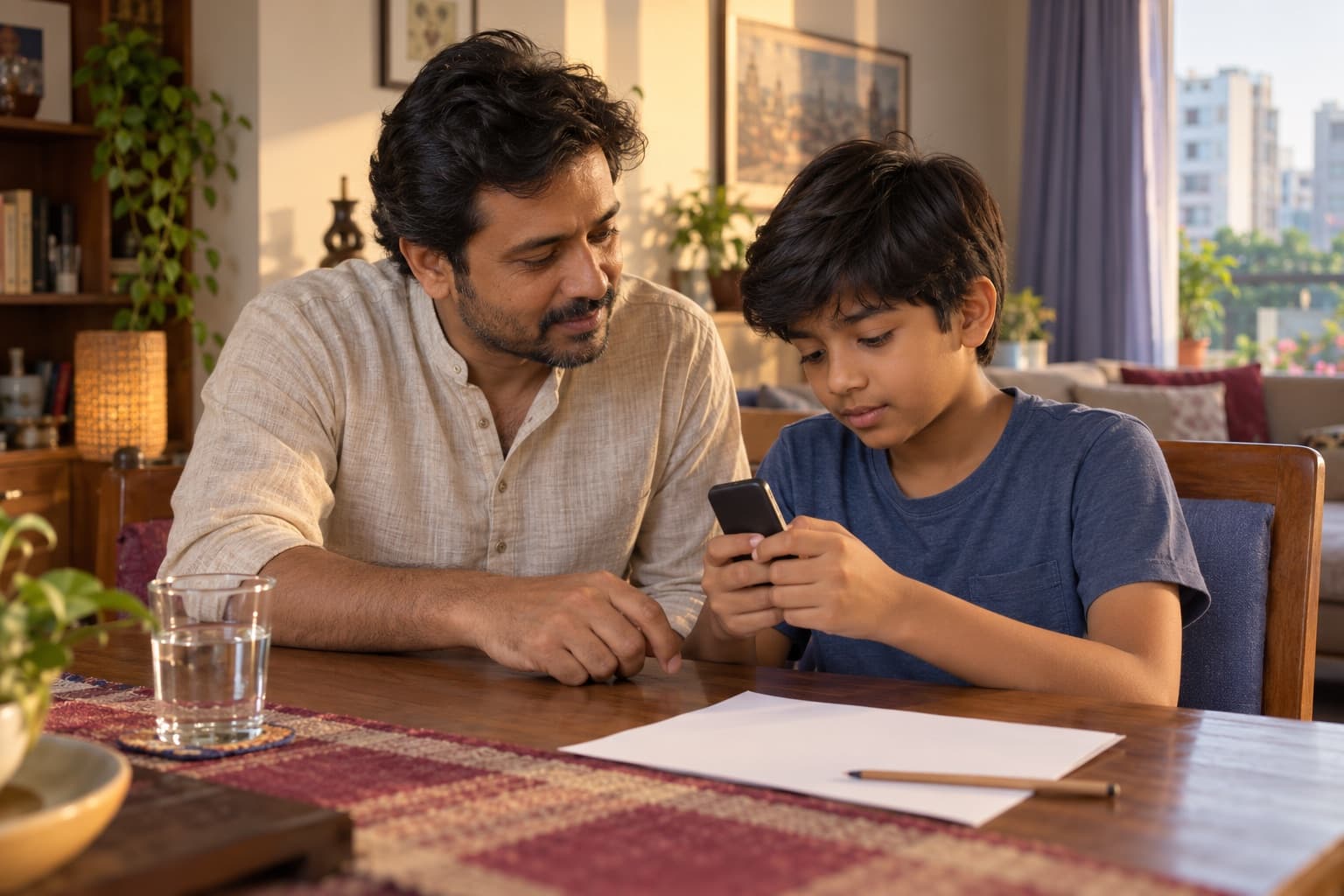
Many teenagers tune out lectures about social media but will talk about it if you seem curious rather than suspicious. Short, regular chats usually work better than one big talk.
- Ask to be shown: “Which account makes you laugh the most?” lets your teen be the expert.
- Ask how it feels, not only what they do: before, during and after scrolling.
- Share your own experience, including a time a post or a group chat upset you.
- Think out loud together about one post: who made it, why, and what has been left out?
- Agree what they will do if something online feels wrong, and that telling you is always safe.
- End with one small agreement, such as notifications off during study, and a day to talk again.
What you might say
- Show me something funny you saw today.
- How do you usually feel after scrolling for a while?
- Lots of those photos are filtered. Do they ever make you feel worse?
- You won't lose your phone for telling me something went wrong online.
- What would be a fair rule for phones at night, for all of us?
Teen comparing themselves online? Likes, looks and mood
Comparison is the part of teens and social media that worries many parents most. Feeds are full of other people's best moments and filtered faces, and likes can feel like a score for how much you are liked. Teens who already feel low or left out often take it hardest.
- Name it calmly: “Most of what you see is the best ten seconds of someone's day.”
- Notice how your teen uses it: chatting with friends often feels better than scrolling through strangers' lives.
- Encourage unfollowing or muting accounts that leave them feeling worse, even the ones everyone follows.
- Ask about likes without mocking: “It hurts when a post gets few likes. What were you hoping for?”
- Build worth offline: sport, a skill, a job at home, time with cousins, and praise for effort and kindness rather than looks.
- Keep remarks about weight, skin colour and looks out of family talk; see body image and comments.
Privacy and posting: what to agree before they share
Privacy is easier to protect before something is posted than after. Agree a few basics when an account is new, and revisit them as your teen grows.
- A private account, with only people they know in real life as friends or followers.
- Location off in the app and the camera, and no live location in posts.
- Nothing that shows where they live, which school or coaching centre they go to, or when: uniform badges, house numbers, the route home.
- A simple test before posting: would they be fine with anyone seeing this, forever? Screenshots mean even private posts and disappearing messages can be shared.
- Never share passwords, one-time codes or mobile banking PINs, even with close friends.
- Ask before posting photos of other people, and ask your teen before you post photos of them.
Social media rules for teens: talking, not spying
Most social media platforms, including Facebook, Instagram and TikTok, set 13 as the minimum age in their own rules, and some give younger teens stricter settings by default. Settings change often, so go through them together rather than relying on them. The bigger question is how much you check, and that can loosen as your teen shows good judgement.
| Age | What often works | Your role |
|---|---|---|
| Under 13 | Most platforms' own rules say not yet; practise in a family group chat | Explain the wait, and set up the first account together when the time comes |
| 13–14 | The real birth date, a private profile, a short friends list, the phone outside the bedroom at night | Open checks you both agreed, such as looking at friend requests together |
| 15–16 | More freedom, with phone-free study time and nights kept | Regular chats; checks only if you are worried, and said out loud |
| 17–18 | Mostly their own choices, with sleep and safety rules kept | Interested, available and the first person they come to when something goes wrong |
- Phones charge outside the bedroom at night, for everyone, with no screens in the hour before bed; phones at bedtime has a school-night plan.
- Phone-free meals and study blocks, with group chats muted after an agreed hour.
- A consequence agreed in advance for a broken rule, linked to that rule, and never for telling you about a problem.
Secret checking often backfires: teens who feel spied on may move to hidden accounts or a friend's phone, and stop telling you when something goes wrong. If you are ever seriously worried about safety, tell your teen you are going to look, and why. For how much screen time suits each age, see screen time by age.
Strangers, blackmail and bullying: the online safety talk
Most teens meet something nasty online at some point: a cruel comment, a scam, or a stranger who flatters them and asks for photos. What protects them most is knowing they can tell you without being blamed. If something has already happened:
- Stay calm, believe your teen and thank them for telling you. Don't blame them.
- Don't reply, don't pay and don't send anything more.
- Keep the evidence: screenshot the messages and the account, keeping any private photo out of the screenshots, and never copy or forward it. Then block and report the account.
- If someone threatens your teen, blackmails them, or asks for sexual photos or money, report it at your local police station (thana) the same day, and call 999 if your teen is in danger now.
- If someone known only online has arranged to meet your teen, tell the police station the same day. If your teen has already gone to meet them, or you can't find them, call 999 now.
For cyberbullying steps and the warning signs of grooming, see child online safety and cyberbullying.
Teens and social media in a Bangladeshi home
- Early Facebook IDs: many children open an account before 13 with a fake birth year. If it has already happened, stay calm: make the account private together, look at the friends list, and agree what happens next.
- Relatives on the friends list: uncles, aunts and cousins at home and abroad may see and comment on everything. Some teens feel loved, others feel watched; ask yours, and help them use friend lists and privacy settings.
- Class and coaching groups: many teens need Messenger or WhatsApp for notices and homework. Mute the groups after an agreed hour, and study on a shared computer where you can.
- Daughters' photos and the fear of shame: many families worry most about a daughter's photo being misused. Sons face real risks too. For both, the answer is the same: private accounts, care with photos, and the certainty that you will stand by them, not blame them.
- Rumours and viral posts: a careless share or comment about religion, politics or another person can bring real trouble offline. Teach the pause: check before sharing, and never post in anger.
- SSC and HSC years: rather than a sudden ban, agree a study-season plan together, with set times for messages.
- “What will people say?”: a teen in trouble online often fears the family's shame more than the danger itself. Say clearly, before anything happens, that their safety matters more to you than anyone's opinion.
A 7-day plan for calmer social media at home
- Day 1: change nothing. Notice when your teen is on social media, how they seem afterwards and how they sleep. Notice your own scrolling too.
- Day 2: ask your teen to show you a favourite account or video. Watch, laugh, ask questions and hold back the comments.
- Day 3: talk about one thing only: comparison, privacy or sleep. Ask how they feel about it.
- Day 4: go through privacy settings together: private account, location off, who can message them.
- Day 5: agree one rule, such as phones charging in the sitting room from an agreed time, and write it down. Put your own phone there too.
- Day 6: have the safety talk: what to do if someone online threatens, scams or flatters them, and that telling you is always safe.
- Day 7: compare with Day 1: sleep, mood and family time. Keep what helped, and agree when you'll talk again.
When should you worry about teens and social media?
Most worries ease with talk and a few agreed rules. Get help if you notice any of these:
Get help if
- Low, anxious or very irritable most days for two weeks or more, or pulling away from family and real-life friends: talk to a doctor or counsellor.
- Sleep or school falling apart for several weeks: online past midnight most school nights, marks dropping sharply, or skipping classes or coaching.
- Strong worry about looks after scrolling: hating their face or body, dieting hard or skipping meals. Talk to a doctor.
- Someone online is threatening or blackmailing your teen, or asking for photos or money: don't pay, keep the evidence, report it at the local police station (thana) the same day, and call 999 if they are in danger now.
- A sudden change: secretive or frightened about the phone, unexplained money or gifts, or not wanting to go to school or coaching. Believe your teen, act the same day, and call 999 if they are in danger now.
- Your teen talks about not wanting to live or about hurting themselves, or you see posts about it: stay calm and close, call 999 if they are in danger now, otherwise speak to a doctor the same day.
Teens and social media are easier to guide when you can see the pattern. ParentMind helps you note what happens each day, such as sleep, mood and screen time, see patterns and get guidance: how ParentMind works.
Questions parents ask
What age can a child open Facebook, Instagram or TikTok?
Most platforms, including Facebook, Instagram and TikTok, set 13 as the minimum age in their own rules. Many families wait longer, until their child can handle privacy, unkind comments and the pull to scroll. When the time comes, open the first account together with the real birth date, make it private, and agree a tell-me rule.
Should I check my teenager's social media?
Some checking is reasonable, especially at 13 or 14, but it works best in the open. Tell your teen what you might look at and why, and loosen it as they show good judgement. Secret reading of messages often backfires, because teens move to hidden accounts and stop telling you things. If you are seriously worried about safety, look, and say so.
My teen wants a TikTok account. What should I do?
Ask why first: friends, trends or making videos? Most platforms set 13 as the minimum age, so check that, and the settings, together. If you say yes, start with a private account, messages and comments from friends only, location off, and an agreement about time and sleep. If you say not yet, give your reason and a time you'll talk about it again.
Is social media bad for teenagers' mental health?
Not for every teen, but it can make some feel worse, especially through comparison, cruel comments and lost sleep. Teens who already feel low or left out are often affected most. Ask how they feel after scrolling, protect sleep, and get help if low mood, anxiety or withdrawal lasts two weeks or more.
How do I stop my teen comparing themselves to others online?
You can't stop it completely, but you can make it smaller. Talk about filters and highlight reels, help your teen unfollow accounts that make them feel worse, and praise effort, skills and kindness rather than looks. Success offline, such as a sport, a hobby or a real job at home, often helps a teen feel good without the likes.
What should my teen never post online?
Anything that shows where they live, study or will be at a set time, such as uniform badges, house numbers or coaching times. No live location, passwords, one-time codes or private photos. A useful test: would they be fine with anyone seeing it, forever? Screenshots mean even disappearing messages and private accounts can be shared.
This article is general information, not medical advice. For health worries, talk to a doctor; if someone is in danger, contact your local emergency number.